All Tv Recharge Support & Help Center
Get help with setup, troubleshooting, account management, and device features.
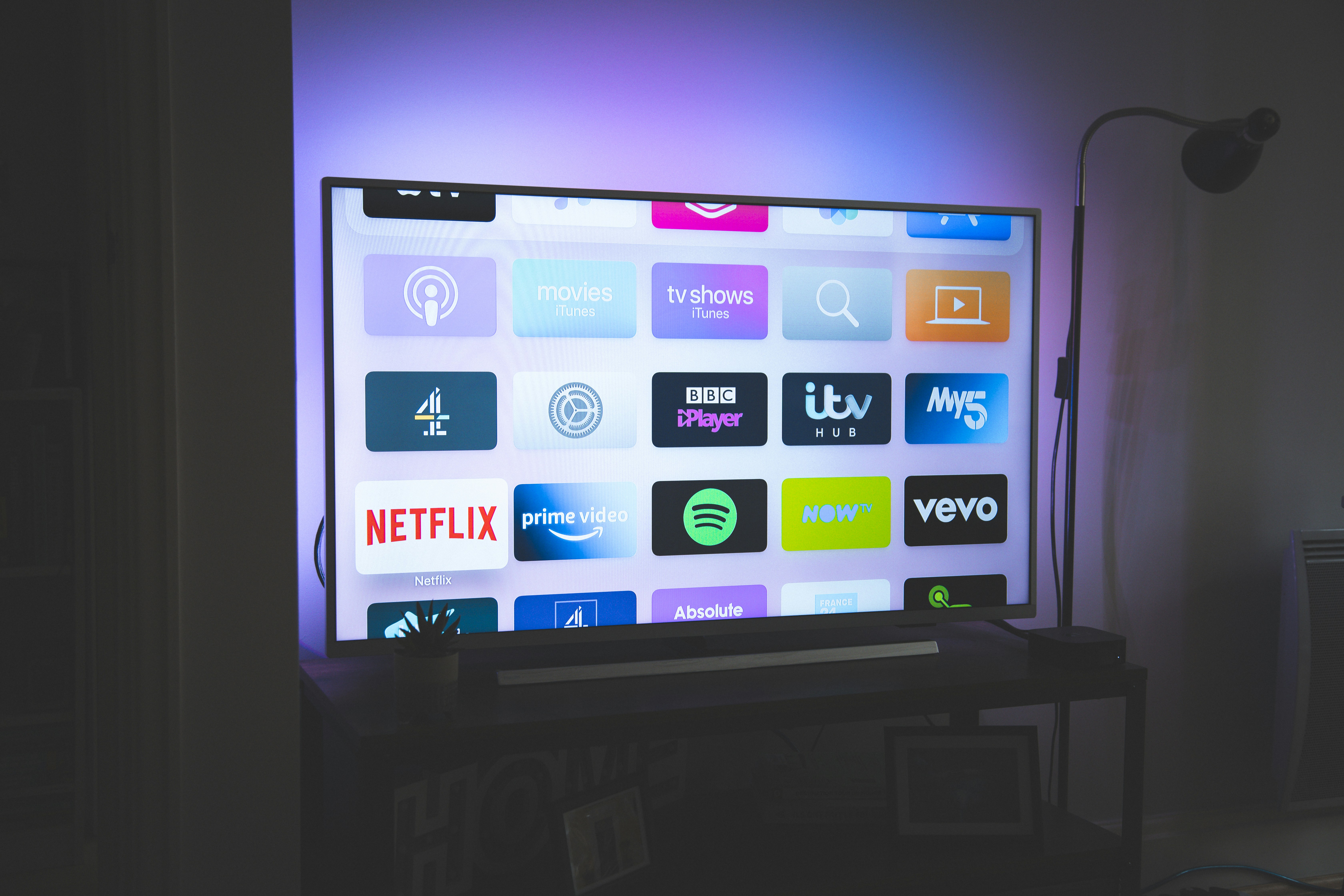
Device Setup
Easy step-by-step setup to connect your All Tv Recharge device to Wi-Fi and start streaming quickly.
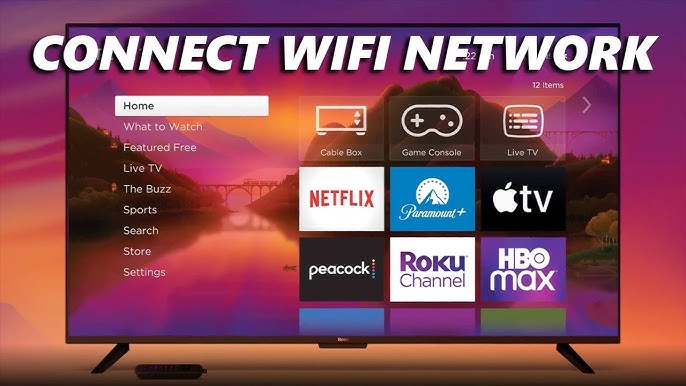
Wi-Fi & Connectivity
Fix internet issues, improve streaming quality, and connect All Tv Recharge to wireless networks.

Remote Control Help
Pair your remote, fix buttons, and use voice control features for better navigation.

Channels & Streaming
Add/remove channels, manage apps, and explore thousands of streaming services.

Account & Payments
Manage subscriptions, billing, and account settings securely.

Device Issues
Fix common problems like screen issues, buffering, or device not working.
More Support Features
Voice Search & Control
Use voice commands to search shows, launch apps, and control your TV easily.
Mobile App Support
Use the All Tv Recharge mobile app as a remote, keyboard, and streaming assistant.
Smart Home Integration
Connect All Tv Recharge with Alexa, Google Assistant, and smart home devices.